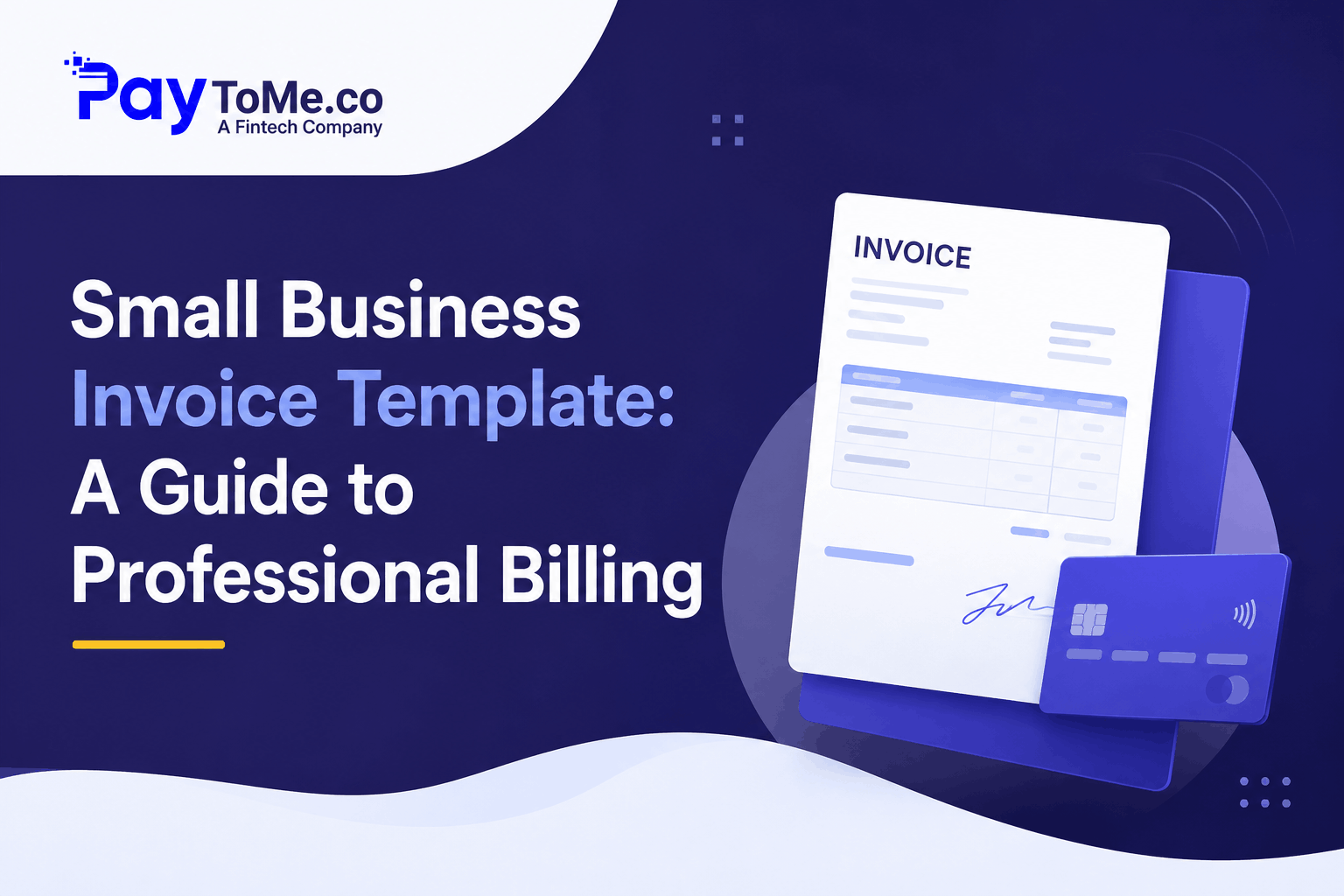
Small Business Invoice Template: A Guide to Professional Billing in 2026
TL;DR: A Small Business Invoice Template is a pre-built billing document that helps you invoice clients quickly, accurately, and professionally. PayToMe offers free, fully customizable templates with Text-to-Pay, automated reminders, and multi-currency support built in.
Quick Snapshot: What a Small Business Invoice Template Should Include
| Section | What It Should Contain |
|---|---|
| Header | Business name, logo, address, contact info |
| Client Info | Client name, billing address, contact details |
| Invoice Metadata | Unique invoice number, issue date, due date |
| Itemized Details | Products or services with quantities and rates |
| Subtotal & Taxes | Subtotal, applicable taxes (sales tax, VAT, GST) |
| Total Due | Clear, prominent total amount |
| Payment Terms | Net 15, Net 30, or specific due date |
| Payment Methods | Card, ACH, Text-to-Pay link, bank transfer |
| Notes | Late fees, deposit policies, thank-you message |
Why Your Small Business Invoice Template Matters More Than You Think
Picture this. You deliver great work. The client loves it. Then you send an invoice cobbled together in a Word doc — mismatched fonts, no logo, vague line items, and zero payment instructions.
The client hesitates. Payment slips from two weeks to six.
Here’s the uncomfortable truth: for most small businesses, the invoice is the last impression a client gets. A messy one quietly undermines all the great work that came before it. A clean, professional Small Business Invoice Template does the opposite — it builds trust, reduces payment friction, and signals that you run a serious operation.
According to the U.S. Small Business Administration, cash flow problems remain one of the leading causes of small business failure. And slow-paying invoices are usually the biggest culprit. The fix often starts with something surprisingly simple: a better invoice template.
What Is a Small Business Invoice Template?
A Small Business Invoice Template is a pre-designed billing document with all the essential fields already structured — business details, client information, itemized charges, taxes, totals, and payment terms. Instead of building an invoice from scratch every time, you fill in the details and send.
The best templates go further. They’re not static documents but living tools — connected to payment links, automated reminders, and your accounting software. That’s the difference between a basic invoice template you download once and a smart invoicing system that actually gets you paid faster.
Types of Invoice Templates for Small Businesses
Different billing situations call for different formats. Here are the most common:
Standard Invoice Template
The default for most transactions. Sent after goods or services are delivered, with full itemization and payment terms.
Simple Invoice Template
A stripped-down format for straightforward transactions. Ideal for freelancers and micro-businesses that bill quickly and often.
Blank Invoice Template
A flexible, fill-in-the-blank format that adapts to any transaction type. Useful when your billing needs vary week to week.
Printable Invoice Template
Designed for physical delivery or in-person transactions. Still relevant for trades, local services, and businesses serving older clientele.
Recurring Invoice Template
Built for retainers, subscriptions, and memberships. Auto-generated on a schedule so you never forget to bill.
Proforma Invoice Template
A preliminary bill sent before work begins. Not a payment demand — more like a formal estimate.
8 Elements Every Professional Small Business Invoice Template Needs
Whether you start from a free invoice template or build a custom one, make sure it includes:
- Branded header — logo, business name, and contact details
- Unique invoice number — sequential, for clean bookkeeping
- Client details — name, company, billing address
- Itemized charges — clear descriptions, quantities, and rates
- Taxes and subtotals — transparent math, no surprises
- Bold total due — the number clients look for first
- Specific payment terms — Net 15, Net 30, or an exact date
- Payment links — card, ACH, or Text-to-Pay for one-click payment
Miss a couple of these, and you invite confusion. Confusion delays payment. Every time.
Common Invoice Template Mistakes Small Businesses Make
Even experienced owners slip on these:
- Vague descriptions like “services rendered” that invite disputes
- No payment link, forcing clients to dig for bank details
- Missing tax lines, especially for cross-border clients
- Inconsistent numbering that turns bookkeeping into archaeology
- No due date, which quietly kills urgency
- Static Word or PDF templates with zero tracking or automation
A modern invoice template for small business fixes all of this by default.
How PayToMe Makes Small Business Invoicing Effortless
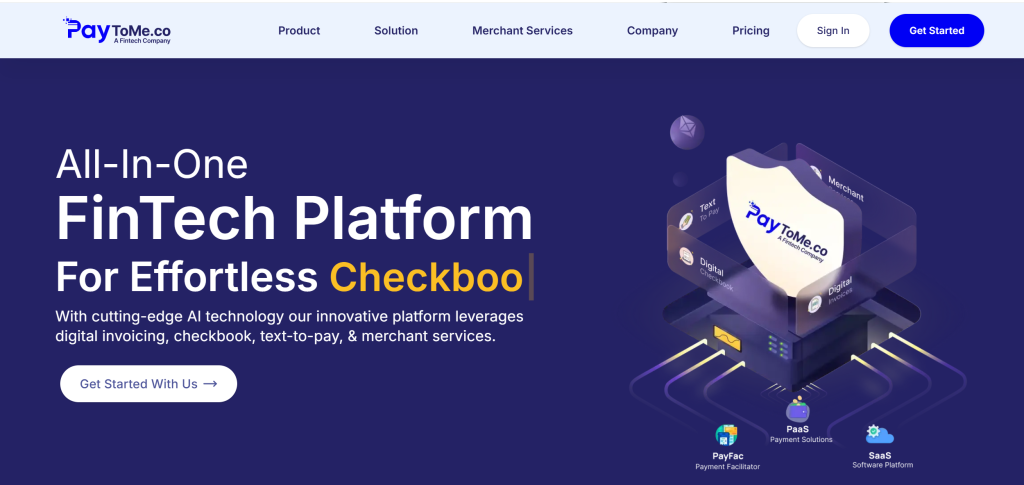
PayToMe was built for exactly this problem. Instead of wrestling with static documents, small businesses get a free invoice generator loaded with professional templates — and every invoice is trackable, payable, and automated from the moment it’s sent.
Highlights:
- Free Small Business Invoice Template library with 13+ industry-specific designs (retail, medical, construction, freelance, eCommerce, and more)
- Full customization — logo, brand colors, fonts, footer notes, payment terms
- Multi-currency and multi-language invoicing for global clients
- Text-to-Pay integration — clients pay from their phone in seconds
- Automated payment reminders before and after due dates
- Recurring invoices for retainers and subscriptions
- Real-time tracking (sent, viewed, paid)
- Direct integration with QuickBooks and Xero
- AI bookkeeping that categorizes every payment automatically
- Built-in KYC/KYB verification for fraud prevention
PayToMe also delivers enterprise-grade trust. The platform is built on partnerships with Plaid, Stripe, NVIDIA, IBM, and Silicon Valley Bank — the same infrastructure powering major FinTech companies.
Pricing: Free trial; tiered Business Lite, Basic, and Pro plans available.
Try PayToMe free at www.paytome.co.
How to Choose the Right Invoice Template for Your Small Business
A quick decision framework:
- Freelancer billing fast and often? A simple invoice template with a payment link.
- Trades or local services? A printable invoice template plus a digital backup.
- Subscription or retainer model? A recurring template with automated billing.
- Global clients? Multi-currency templates with tax flexibility.
- Want all of the above in one free platform? PayToMe.
Frequently Asked Questions
What is a Small Business Invoice Template?
It’s a pre-designed billing document with structured fields for business details, client info, itemized charges, taxes, and payment terms — ready to fill in and send.
Where can I get a free invoice template for my small business?
PayToMe offers a free Small Business Invoice Template library with 13+ industry-specific designs, full customization, and built-in payment collection.
What should a small business invoice include?
Business branding, unique invoice number, client details, itemized charges, taxes, total due, payment terms, and a payment link.
Is a Word or Excel invoice template good enough?
They work for occasional billing, but static files lack tracking, automation, and payment links. A connected platform like PayToMe gets you paid significantly faster.
What’s the difference between a blank invoice template and a standard one?
A blank invoice template is a flexible fill-in format for varied transactions. A standard template has fixed fields optimized for consistent, repeat billing.
Can I add my logo to a PayToMe invoice template?
Yes. Every template is fully customizable — logo, brand colors, fonts, payment terms, and footer notes.
How do I make my small business invoices look more professional?
Use consistent branding, clear itemization, explicit payment terms, and an embedded payment link. PayToMe’s templates handle all of this by default.
Can I send invoices to international clients?
Yes. PayToMe supports multi-currency and multi-language invoicing, making cross-border billing effortless.
Does PayToMe automate payment reminders?
Yes. The platform sends polite nudges before due dates and firmer follow-ups after — automatically.
Is PayToMe secure for small business invoicing?
Yes. PayToMe uses encrypted gateways, KYC/KYB verification, and partnerships with Plaid, Stripe, NVIDIA, IBM, and Silicon Valley Bank for enterprise-grade security.
Final Word
A Small Business Invoice Template isn’t just paperwork. It’s the document that turns your work into revenue — and the difference between getting paid in days versus months.
Skip the static Word docs. Skip the manual follow-ups. Use a template that’s connected, automated, and built to get you paid.
PayToMe gives small businesses a free invoice generator, 13+ professional templates, Text-to-Pay, automated reminders, and enterprise-grade security backed by Plaid, Stripe, NVIDIA, IBM, and Silicon Valley Bank — all in one platform.
Try PayToMe free today at www.paytome.co and turn every invoice into faster cash flow.