
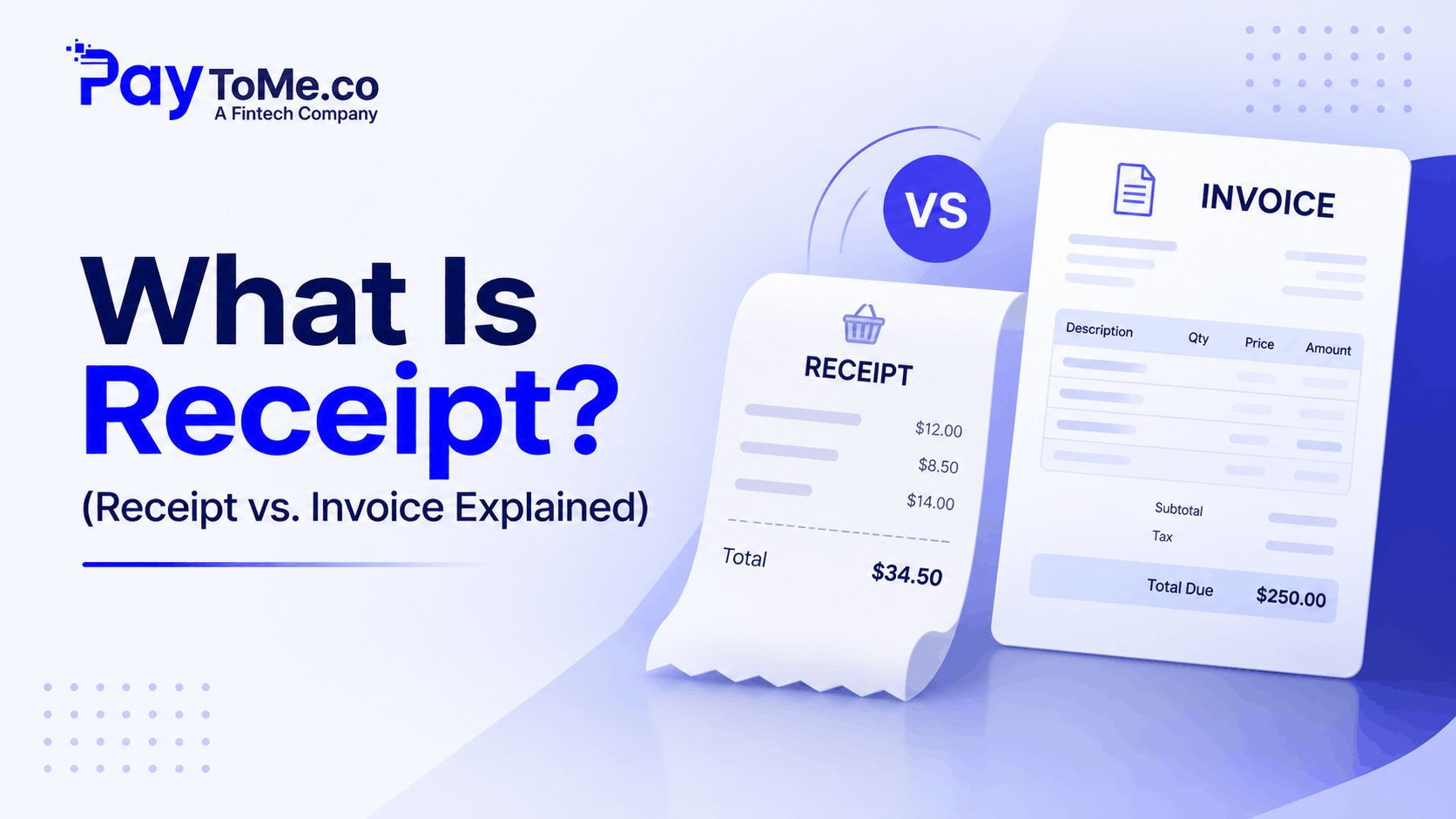
What Is Receipt? (Receipt vs. Invoice Explained)
TL;DR What is receipt? It’s a document confirming payment has been received — while an invoice requests payment before it happens. PayToMe generates both automatically, turning every transaction into clean, professional records.
Quick Comparison: Receipt vs. Invoice
| Feature | Receipt | Invoice |
|---|---|---|
| Purpose | Confirms payment received | Requests payment owed |
| Timing | After payment | Before payment |
| Legal Role | Proof of purchase | Formal payment demand |
| Includes | Amount paid, date, payment method | Itemized charges, due date, payment terms |
| Used For | Refunds, warranties, tax records | Billing, accounts receivable, cash flow |
| Issued By | Seller, after transaction completes | Seller, when payment is due |
What Is Receipt? The Simple Answer
Let’s settle it in one line: a receipt is written proof that payment has been made and received.
That’s it. Nothing mysterious.
But here’s where things get interesting. Ask ten small business owners the difference between a receipt and an invoice, and at least half will hesitate. They’ll use the terms interchangeably. They’ll send an invoice when a receipt was needed — or worse, hand over a receipt before money ever changed hands.
That confusion isn’t harmless. Mixing up these two documents muddies your books, complicates tax season, and can even cause legal headaches during audits or refund disputes. So let’s break down what is receipt, what an invoice does differently, and why both matter for your business.
Receipt Meaning: A Closer Look
The receipt meaning is straightforward: it’s a document a seller gives a buyer confirming that payment was completed. Think of it as the closing chapter of a transaction.
A proper receipt of payment typically includes:
- Business name and contact details
- Date of the transaction
- Items or services purchased
- Amount paid
- Payment method (cash, card, ACH, digital check)
- Receipt number for record-keeping
From the corner coffee shop’s paper slip to an emailed PDF after an online order, receipts come in many forms. Some businesses still use a physical receipt book for in-person sales — trades, market vendors, and local services especially. Others generate digital receipts automatically the moment payment lands.
Either way, the function is identical: proof that money moved.
What Is an Invoice, Then?
An invoice is the opposite side of the same coin. It’s a formal request for payment, sent before money changes hands.
An invoice for payment includes itemized charges, taxes, the total due, payment terms (like Net 15 or Net 30), and instructions for how to pay. It opens the transaction. The receipt closes it.
Here’s the flow in plain terms:
- You deliver goods or services
- You send an invoice requesting payment
- The client pays
- You issue a receipt confirming payment
Simple in theory. But managing this cycle manually — creating invoices, chasing payments, generating receipts, logging everything for taxes — eats hours every single week. That’s why modern businesses automate the entire loop with invoice software for small business.
Receipt vs. Invoice: The Key Differences That Matter
Timing
An invoice arrives before payment. A receipt arrives after. This single distinction drives everything else.
Purpose
Invoices manage your accounts receivable — money owed to you. Receipts create proof of purchase — protection for both buyer and seller.
Tax Role
Both matter at tax time, but differently. Invoices document income you’ve billed. Receipts document income actually collected and expenses actually paid. The IRS and most tax authorities want both trails clean. For official guidance on business record-keeping, the IRS small business recordkeeping page is worth bookmarking.
Legal Weight
An unpaid invoice can support collections or legal action. A receipt can settle disputes, enable refunds, and validate warranties.
Confuse the two, and you create gaps in your financial records that auditors love to find.
Why Both Documents Matter for Small Businesses
Sloppy documentation is expensive. Consider what clean invoicing and receipts actually protect:
- Cash flow visibility — Knowing what’s billed versus what’s collected
- Tax accuracy — Clean records mean fewer headaches and fewer penalties
- Dispute protection — Receipts end “I never paid that” conversations instantly
- Professional credibility — Polished documents signal a serious business
- Audit readiness — Complete paper trails make audits boring (the goal)
The businesses that struggle here usually share one trait: manual processes. Word-doc invoices. Handwritten receipt books. Spreadsheet tracking. Every manual step is a chance for something to slip.
How PayToMe Handles Invoices and Receipts Automatically
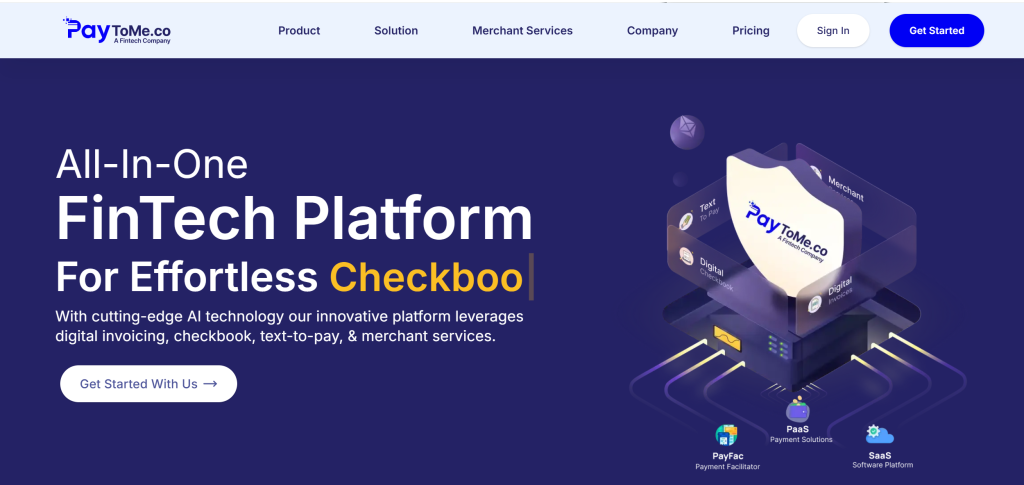
PayToMe closes the entire loop — invoice out, payment in, receipt delivered — without you touching a thing after setup.
Highlights:
- Free invoice generator online with 13+ industry-specific templates
- Standard receipt templates built in — generated automatically when payment completes
- Invoice creator online free to start, with full branding customization
- Text-to-Pay — clients pay via SMS link in seconds, receipt fires instantly
- Automated invoice processing — reminders, tracking, and reconciliation handled for you
- Multi-currency and multi-language support for global transactions
- Real-time tracking (sent, viewed, paid, receipted)
- Direct QuickBooks and Xero integration
- AI bookkeeping that categorizes every invoice and receipt of payment automatically
- Built-in KYC/KYB verification for fraud prevention
PayToMe also supports proforma invoices — useful when a client wants an invoice quote before committing — alongside standard invoices and receipts. One platform, every document type, zero manual juggling.
And the infrastructure behind it is enterprise-grade. PayToMe is built on partnerships with Plaid, Stripe, NVIDIA, IBM, and Silicon Valley Bank — the same backbone trusted by major FinTech platforms.
Pricing: Free trial; tiered Business Lite, Basic, and Pro plans available.
Try PayToMe free at www.paytome.co.
When to Send Which Document: A Quick Framework
- Work delivered, payment pending? Send an invoice.
- Client wants pricing before committing? Send a proforma invoice (an invoice quote).
- Payment just landed? Send a receipt — automatically, ideally.
- Recurring retainer or subscription? Automate recurring invoices with instant receipts on payment.
- In-person cash sale? A digital receipt beats a paper receipt book for record-keeping every time.
Frequently Asked Questions
What is receipt in simple terms?
A receipt is a document confirming that payment has been made and received. It serves as proof of purchase for the buyer and a payment record for the seller.
What is the difference between a receipt and an invoice?
An invoice requests payment before it happens; a receipt confirms payment after it’s complete. Invoices open transactions, receipts close them.
Is a receipt legally required for businesses?
Requirements vary by region, but most tax authorities expect businesses to keep payment records. Receipts protect both parties in disputes, refunds, and audits.
What should a receipt of payment include?
Business details, transaction date, items purchased, amount paid, payment method, and a receipt number for record-keeping.
Can an invoice work as a receipt?
No. An invoice shows what’s owed; it doesn’t prove payment happened. A marked “paid” invoice helps, but a proper receipt is cleaner for records and disputes.
Does PayToMe generate receipts automatically?
Yes. The moment a payment completes, PayToMe generates and delivers a receipt — no manual work required.
Is there a free invoice generator online I can use?
Yes. PayToMe offers an invoice generator online free to start, with professional templates, branding customization, and built-in payment collection.
What is a proforma invoice?
A proforma invoice is a preliminary bill — essentially an invoice quote — sent before work begins. It outlines expected costs without demanding payment.
Do digital receipts replace a receipt book?
For most businesses, yes. Digital receipts are automatically logged, searchable, and audit-ready — advantages paper receipt books can’t match.
Is PayToMe secure for handling payment records?
Yes. PayToMe uses encrypted gateways, KYC/KYB verification, and partnerships with Plaid, Stripe, NVIDIA, IBM, and Silicon Valley Bank for enterprise-grade security.
Final Word
So, what is receipt? It’s the proof that closes every transaction — just as the invoice is the request that opens it. Two documents, two jobs, one complete financial record.
Businesses that treat both carelessly pay for it in tax stress, disputes, and lost hours. Businesses that automate the full cycle barely think about it at all.
PayToMe makes the second group easy to join. Free invoice generator, automatic receipts, Text-to-Pay, AI bookkeeping, and enterprise-grade security backed by Plaid, Stripe, NVIDIA, IBM, and Silicon Valley Bank — all in one platform.
Try PayToMe free today at www.paytome.co and let every invoice and receipt handle itself.