
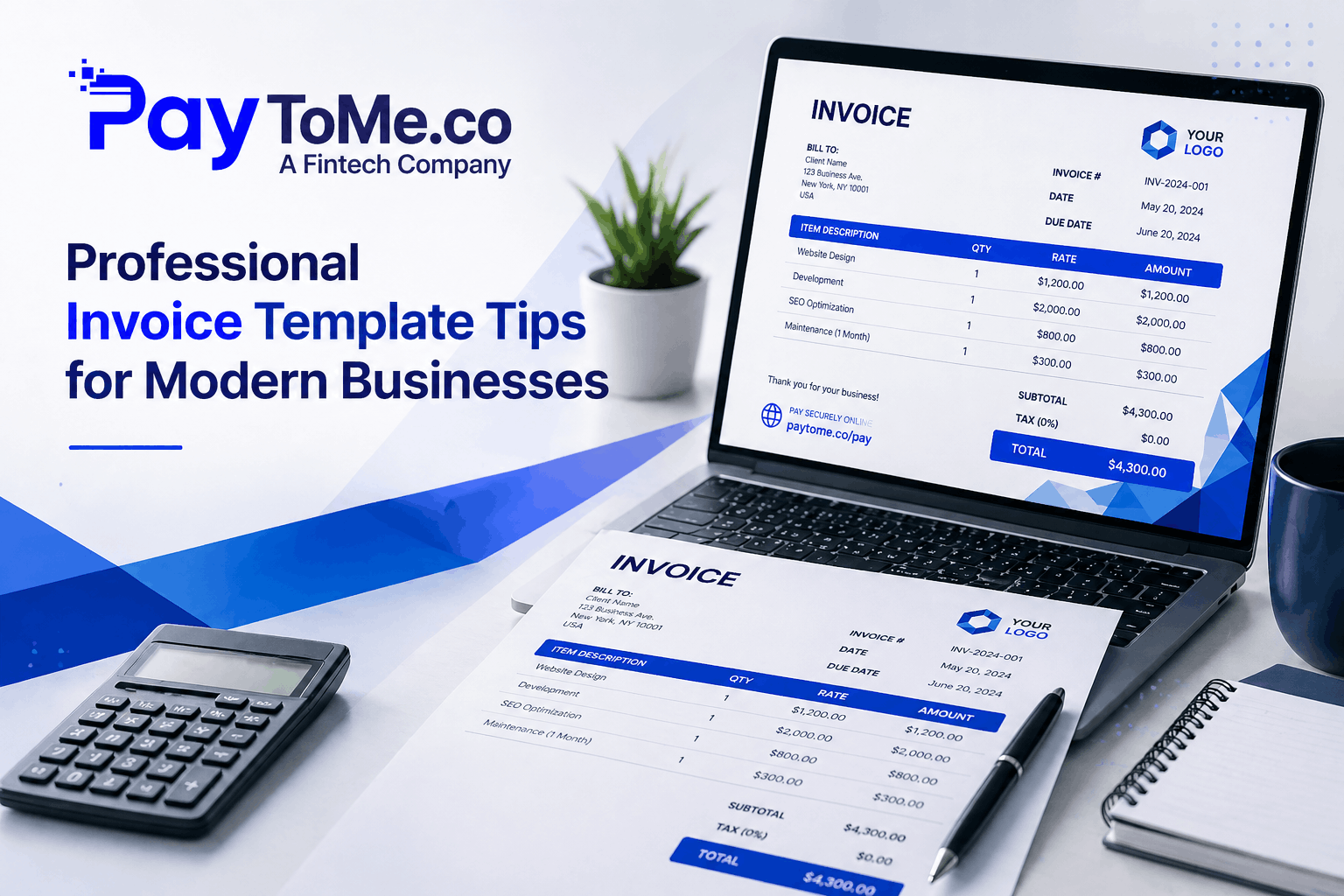
Professional Invoice Template Tips for Modern Businesses
Picture this. You’ve just wrapped a stellar project. The client raved about your work. And then — silence. Days drag into weeks. Your inbox stays painfully empty. Sound familiar?
Here’s the uncomfortable truth: late payments cost global businesses trillions every year, and the real culprit isn’t always the client. More often than not, it’s the invoice itself. That’s why a Professional Invoice Template Invoice Software has quietly become one of the most underrated growth tools for modern businesses — bigger than fancy CRMs, sharper than dashboards, more impactful than half the apps cluttering your tech stack.
In this guide, we’ll unpack the design principles, automation tricks, and smart tools that turn ordinary billing documents into payment magnets. Buckle up.
Why Your Invoice Is the First Real Test of Your Brand
An invoice is never “just paperwork.” It’s a handshake. A trust receipt. A quiet reflection of how seriously you take your craft.
Send a sloppy file, and clients silently question your professionalism. Send a clean invoice template — branded, structured, crystal clear — and suddenly, payment terms feel non-negotiable. That’s the understated power of great invoice template design.
Whether you’re a freelancer juggling four contracts or an eCommerce brand shipping thousands of orders weekly, amateur-hour billing simply doesn’t cut it anymore. You need a Professional Invoice Template Invoice Software that scales as you scale.
7 Tips to Master Your Professional Invoice Template
1. Lead With Brand Identity
Your logo, your colors, your typography — they belong on every invoice. A modern invoice template should feel like an extension of your website. Bland templates blend in. Branded ones stick. The difference shows up in how clients remember you.
2. Keep the Structure Ruthlessly Clean
A clean invoice template prioritizes scannability. Top-aligned client info. Clear itemization. Bold totals. Whitespace that breathes. If the recipient has to squint or scroll endlessly, you’ve already lost momentum on payment optimization.
3. Include Multiple Payment Pathways
Today’s clients pay across borders, devices, and currencies. A capable Professional Invoice Template Invoice Software gives them choices — credit card, ACH, mobile wallets, even text-to-pay links. Friction kills cash flow. Optionality saves it.
4. Automate the Boring Stuff
Manually typing client details in 2026? That’s lost revenue dressed up as productivity. Use an invoice template generator that auto-fills fields, calculates taxes, applies discounts, and syncs to your books in seconds.
5. Add Smart Reminders and Follow-Ups
The best ready-made invoice template tools trigger polite nudges before due dates and firmer reminders after. Persistent. Painless. Professional.
6. Localize for Global Clients
Selling internationally? Currency, tax format, and even date order matter. An invoice template online that flips effortlessly between USD, EUR, INR, GBP, or AED — without messy manual edits — is pure gold for cross-border businesses.
7. Make It Mobile-First
Most invoices are first opened on phones. If yours doesn’t render cleanly on a 6-inch screen, expect delays. Mobile-optimized templates aren’t a “nice-to-have” — they’re table stakes.
How PayToMe Reinvents the Professional Invoice Template Invoice Software Experience
This is exactly where PayToMe steps in. Engineered for freelancers, SMBs, eCommerce brands, and growth-stage enterprises alike, PayToMe blends automation with elegance — and it’s all built into one platform.
Here’s what you unlock:
- Industry-specific templates spanning retail, medical, construction, freelance, education, eCommerce, automotive, agriculture, manufacturing, and more.
- Multi-language and multi-currency support for truly borderless billing.
- Real-time invoice tracking so you know the second a client opens, ignores, or pays.
- Text-to-Pay integration that turns any invoice into a clickable, mobile-first payment in seconds.
Whether you need a clean invoice template for a one-off freelance gig or an enterprise-grade invoice template generator powering thousands of monthly transactions, PayToMe’s Professional Invoice Template adapts on the fly.
Trusted Partnerships You Can Actually Verify
PayToMe isn’t a scrappy newcomer duct-taping integrations together. The platform is built on partnerships financial leaders genuinely trust:
- Plaid — secure, real-time bank connectivity.
- Stripe — global payment processing at massive scale.
- NVIDIA — powering the AI infrastructure behind smarter automation.
- IBM — anchoring enterprise-grade cloud architecture.
- Silicon Valley Bank — providing the financial backbone.
It’s the kind of stack you don’t fake. And it’s why thousands of businesses trust PayToMe to drive their payment optimization journey forward.
Frequently Asked Questions
What is a Professional Invoice Template Invoice Software?
It’s a digital tool that lets businesses generate, customize, and send polished invoices using ready-made templates. Beyond design, it automates calculations, tracks delivery, accepts payments, and syncs directly with your accounting stack.
How does an invoice template generator help small businesses?
It eliminates manual entry, prevents costly errors, and ensures every invoice looks consistently professional — saving hours each week and dramatically accelerating payment cycles.
Is a clean invoice template really that important?
Yes — and the data backs it up. Visually clear invoices get paid significantly faster than cluttered ones. Clarity reduces disputes. Disputes delay payment.
Can I use a ready made invoice template for international clients?
Absolutely. Platforms like PayToMe offer multi-currency, multi-language invoice template online options designed specifically for cross-border commerce.
What’s the difference between a proforma invoice and a standard invoice?
A proforma invoice is a preliminary quote sent before goods or services are delivered — it’s informational, not a payment demand. A standard invoice is the actual bill issued after fulfillment.
How does PayToMe support payment optimization?
Through Text-to-Pay, automated reminders, multi-channel acceptance, and real-time tracking — all engineered to shorten the gap between sending an invoice and seeing the funds hit your account.
Is PayToMe secure for handling financial data?
Yes. With built-in KYC/KYB verification, encrypted payment gateways, and partnerships with Plaid, Stripe, IBM, and Silicon Valley Bank, PayToMe meets enterprise-grade security standards.
Can freelancers and solopreneurs benefit from a Professional Invoice Template Invoice Software?
Definitely. Freelancers often lose the most time to chasing payments. A streamlined invoice tool means more billable hours, fewer late nights, and a noticeably more professional client experience.
Final Word
A Professional Invoice Template Invoice Software isn’t a line item on your expense sheet. It’s leverage. It tells clients you’re serious. It gets you paid faster. And it scales gracefully as your business grows.
Modern businesses don’t fight cash flow battles with outdated tools. They equip themselves with smart, beautifully designed, automation-first systems that quietly do the heavy lifting in the background.
Ready to upgrade how you invoice — and how fast you get paid? Explore PayToMe’s invoice template suite today → and turn every billing moment into a payment win.