
Mobile Payment Solutions: How PayToMe.co’s Text to Pay Elevates Efficiency
Mobile payment solutions have come a long way—from clunky card readers and email invoices to sleek digital checkouts and tap-to-pay options. But in 2025, one of the simplest, fastest, and most effective ways to get paid is also the one your customers already use every day: text messaging.
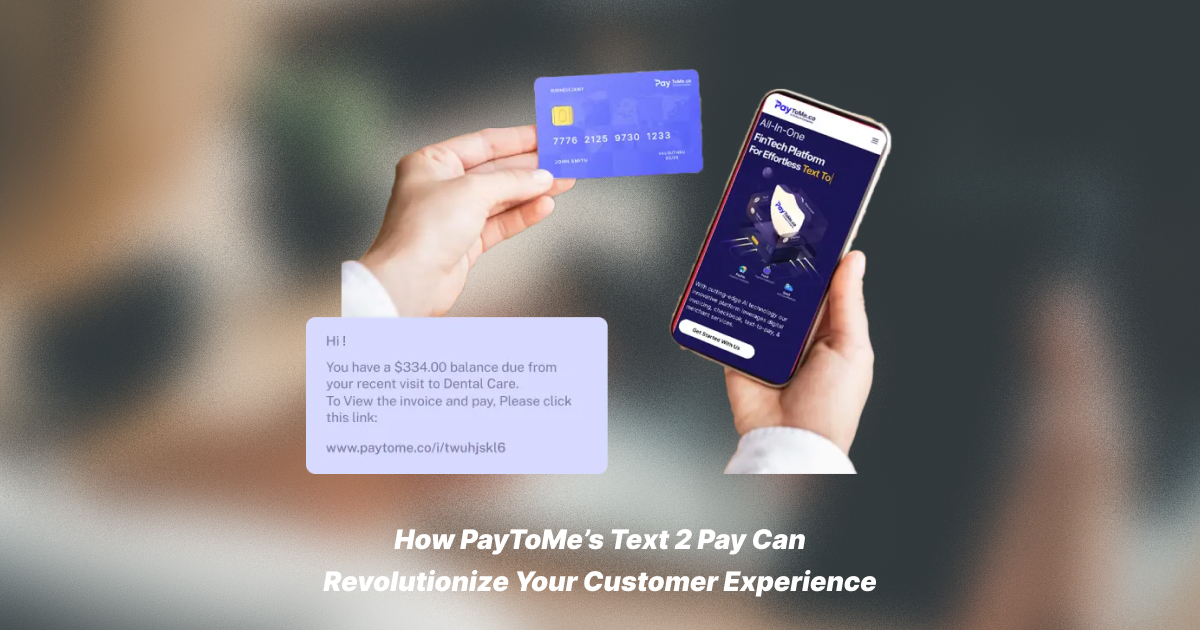
That’s where PayToMe’s Text to Pay feature comes in. It takes something familiar—SMS—and turns it into a powerful tool for businesses to send invoices, collect payments, and get paid faster. There’s no app to download, no account to log into, and no confusion. Just a text, a tap, and a transaction.
If you’re looking for mobile payment solutions that improve cash flow, reduce friction, and increase customer satisfaction, this is the one to watch.
Why Simplicity Matters in Mobile Payment Solutions
A lot of payment tools are overengineered. They promise to simplify payments, but end up making customers click through endless steps or download yet another app.
Text to Pay changes that. It delivers no-code payment links directly to your customer’s phone via SMS. From there, they can complete the transaction in just a few taps.
It’s mobile-friendly, fast, and intuitive—making it one of the most convenient payment methods for modern businesses.
How PayToMe’s Text to Pay Works
The beauty of Text to Pay is that it’s both powerful and straightforward. Here’s a breakdown of how it works in real life:
1. Create and Send an Invoice
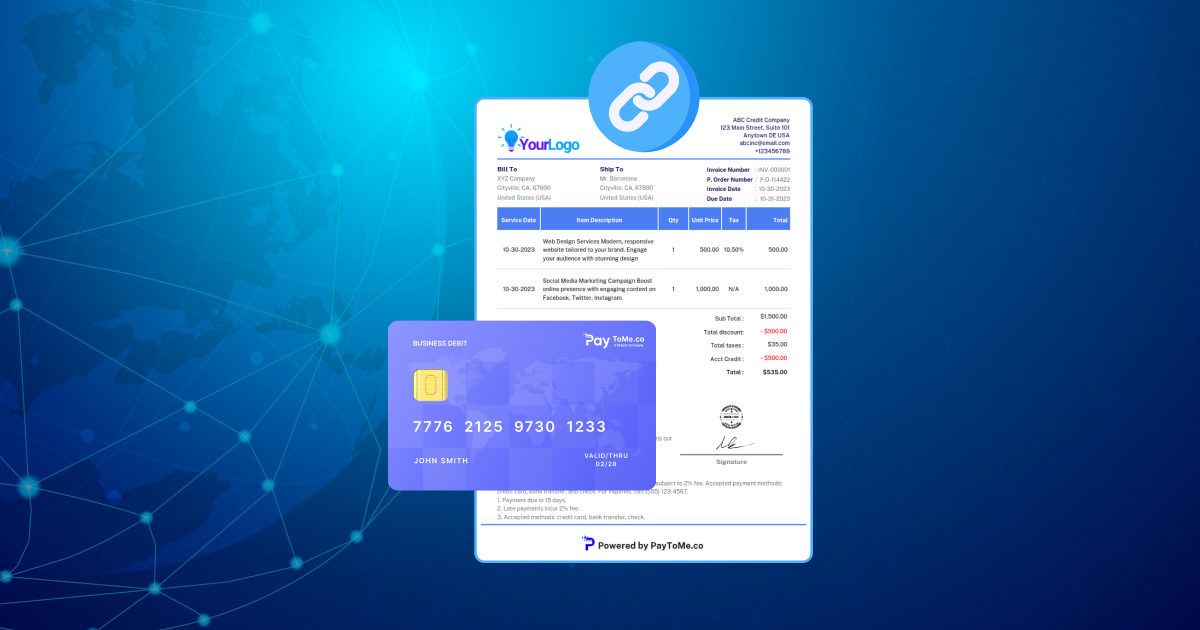
From the PayToMe.co dashboard, you create an invoice or request. There’s no code involved—just enter the details, set the amount, and choose how to send it.
2. Deliver It via SMS
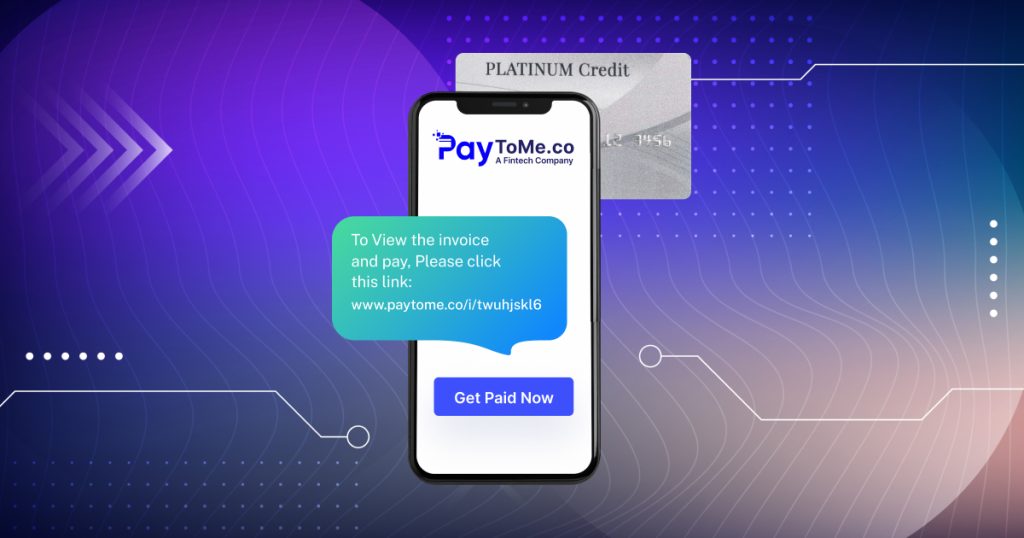
Instead of emailing or printing the invoice, you send it as a payment link SMS. Your customer gets a simple message on their phone with a secure link to pay.
3. Customer Clicks and Pays
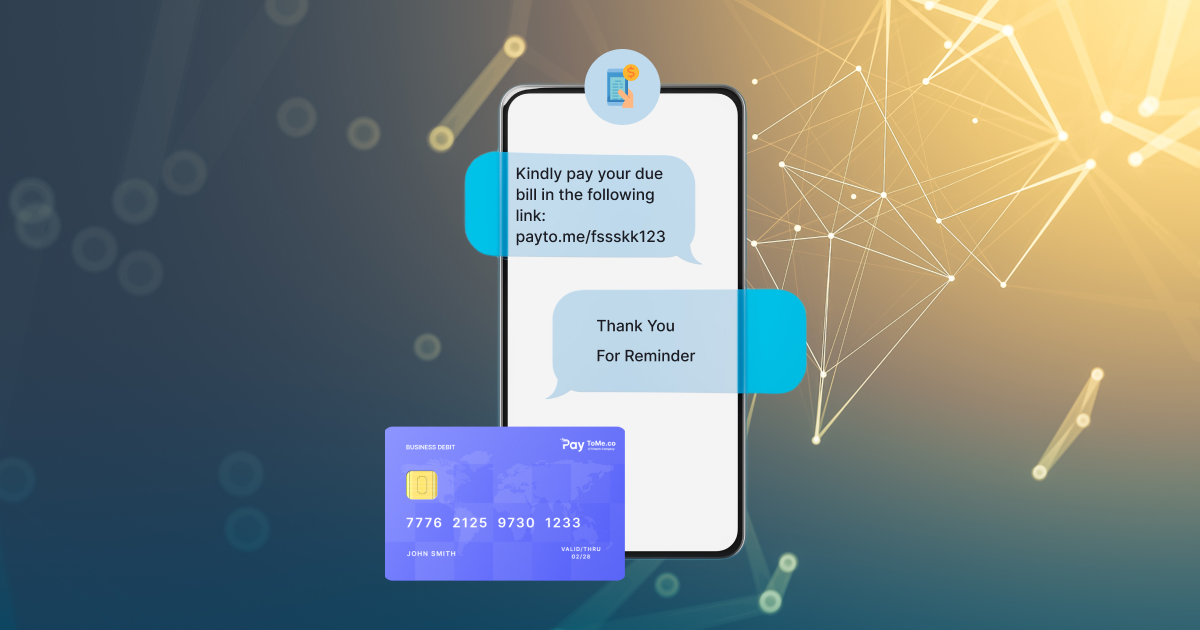
They tap the link and land on a mobile-friendly checkout page. From there, they can pay using a credit card, ACH transfer, or other digital method.
4. You Get Paid
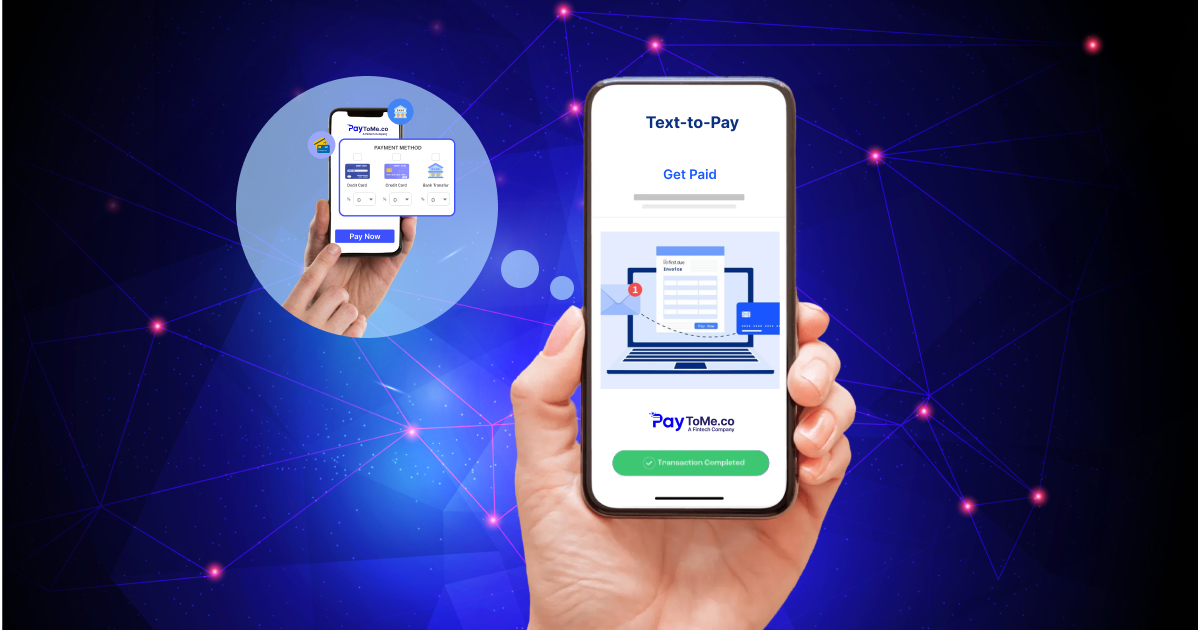
Once the payment is complete, you’re notified instantly—and funds are deposited to your account within 1–2 business days.
That’s it. No logins, no printing, and no follow-up needed.
Features That Make It Stand Out
Text to Pay isn’t just convenient—it’s feature-rich in all the right ways:
Split Payments
Let customers split their total across multiple cards or payment methods. It’s flexibility that encourages more completed sales.
Partial Payments
Need to collect a deposit or let customers pay in chunks? Text to Pay supports partial payments with built-in tracking.
Installments
Offer payment plans to help customers manage larger purchases over time, without needing third-party financing.
Tipping
For service-based businesses, tips can be enabled directly during checkout—no awkward add-ons or custom fields needed.
Who Should Use Text to Pay?
PayToMe’s Text to Pay is ideal for:
- Freelancers and consultants who want to simplify billing
- Service providers like salons, trainers, and cleaners
- E-commerce brands recovering abandoned carts via SMS
- Field workers who need quick, on-the-go payment collection
- B2B teams who want to reduce time chasing down invoices
Whether you’re a one-person operation or scaling fast, Text to Pay fits seamlessly into your workflow.
The Real Business Benefits
So what does all this mean in practical terms?
You improve cash flow
Faster payments mean more liquidity for your business—especially when you don’t have to wait days or weeks for clients to act.
You increase customer satisfaction
People appreciate easy, friction-free ways to pay. Text to Pay eliminates the stress of complicated forms or forgotten logins.
You reduce admin overhead
With no-code payment links, automated reminders, and instant notifications, you spend less time managing invoices—and more time focusing on growth.
Common Questions About Text to Pay
Is Text to Pay secure?
Yes. All text message payments go through encrypted, PCI-compliant systems and are backed by secure infrastructure from IBM, AWS, Nacha, and Plaid.
Do customers need to log in or register?
No. That’s one of the biggest advantages. They simply click the SMS link and pay—no login, no download.
Can I customize the invoice or checkout page?
Yes. You can brand your invoices and configure payment options directly from your dashboard.
How fast will I receive the money?
Most payments settle within one to two business days, depending on the method used.
Is it mobile-only?
Not at all. While it’s optimized for SMS and mobile checkout, your customers can also pay from tablets or desktops if they choose.
Final Thoughts
In a world full of apps, plug-ins, and complex dashboards, PayToMe’s Text to Pay is refreshingly simple—and incredibly effective. It turns your customer’s phone into a checkout tool. And it turns your payment process into a seamless, customer-first experience.
If you’ve been exploring mobile payment solutions that just work—no headaches, no extra steps, and no missed payments—Text to Pay may be exactly what your business needs.bangla