
How to Send Holiday Invoices That Get Paid Before January
TL;DR: Holiday Invoices sent the usual way get paid in late January — offices close, approvers vacation, and your cash flow waits. PayToMe fixes that with instant invoicing, automated payment reminders, and one-tap payment links that close the gap before the year does.
Quick Snapshot: The Holiday Invoicing Playbook
| Problem in December | The Fix | PayToMe Tool |
|---|---|---|
| Clients leave for vacation | Invoice early, the day work completes | Free Invoice Generator |
| Emails get buried | Deliver by SMS, where open rates stay high | Text-to-Pay |
| “I’ll pay after the holidays” | One-tap payment links — card, bank, Apple Pay, Google Pay | Payment Links |
| Forgotten follow-ups | Automated payment reminders before and after due dates | Payment Reminders |
| Net 30 pushes payment to February | Shorter invoice payment terms (Net 7–15, or due on receipt) | Set per invoice |
| Tight client budgets | Installments and partial payments | Built into every link |
The December Payment Trap
Here’s a math problem no one warns small businesses about.
Send an invoice on December 10 with Net 30 terms. Add a week for the client’s approver being on vacation, another for the office closure between Christmas and New Year’s, a few more days for the January backlog. Your “30 days” quietly becomes 50. The work you finished before the holidays funds someone else’s January.
That’s the December payment trap — and it catches freelancers, agencies, and service businesses every single year. Offices thin out. Inboxes overflow with promotions. Accounts payable teams freeze non-urgent approvals until January 2.
The good news? Holiday Invoices don’t have to follow that script. With the right timing, terms, and technology, December can be the month you get paid faster, not slower. The U.S. Small Business Administration consistently ranks cash flow gaps among the top threats to small firms — and year-end is when those gaps widen most.
Here’s the playbook.
7 Ways to Get Holiday Invoices Paid Before January
1. Invoice the Moment Work Completes — Not Month-End
December punishes delay. Every day between finished work and sent invoice is a day closer to the office-closure dead zone. Build the invoice in under a minute with PayToMe’s free invoice generator, add your logo and line items, and send it the same day. Automatic numbering and tax calculations mean speed never costs accuracy.
2. Shorten Your Invoice Payment Terms for December
Net 30 in December is Net 50 in practice. For Holiday Invoices, switch to Net 7, Net 15, or due on receipt — and say why, politely: “Shorter terms this month so we can close our books before the holidays.” Most clients understand. Many appreciate the nudge to clear their own books too.
3. Send Invoices by Text, Not Just Email
December inboxes are war zones — promotions, greetings, year-end reports. Your invoice competes with all of it. PayToMe’s patented Text-to-Pay technology delivers your invoice straight to the client’s phone by SMS, where it actually gets seen. They tap the link and pay in seconds, no login required.
4. Attach a One-Tap Payment Link to Every Invoice
“I’ll mail a check after the holidays” is how December invoices die. Remove the excuse. Every PayToMe invoice carries a payment link accepting credit card, debit card, bank account, Apple Pay, and Google Pay — so paying takes less effort than postponing.
5. Automate Your Payment Reminders
Chasing payments during the holidays feels awkward, so most businesses simply don’t — and pay for it in January. PayToMe’s automated payment reminders handle it for you: a polite nudge before the due date, firmer follow-ups after, all without you lifting a finger or souring a client relationship in the season of goodwill.
6. Offer Installments on Larger December Bills
Client budgets run tight in December. A $5,000 invoice that stalls completely can become two $2,500 payments that start now. PayToMe payment links support installments, split payments, and partial payments — cash flowing beats cash frozen.
7. Give Bank-Payment Options for the Big Invoices
For high-value Holiday Invoices, offer eCheck and ACH transfer alongside cards. Clients get a familiar, fee-friendly way to settle large amounts, and you trim processing costs on the biggest payments of your year.
Why Businesses Trust PayToMe for Year-End Invoicing
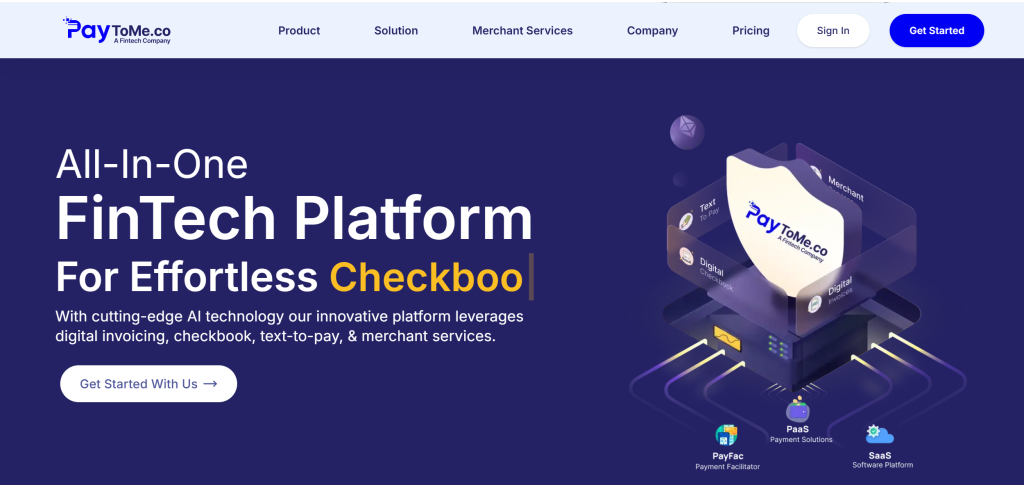
The December trap is a technology problem wearing a calendar costume — and PayToMe was built to solve exactly this class of problem. One platform covers the whole cycle: instant invoice creation, SMS and email delivery, one-tap payment collection, automated follow-up, and AI bookkeeping that categorizes every payment for clean year-end books.
Under the hood sits enterprise-grade infrastructure, built on partnerships with Plaid, Stripe, NVIDIA, IBM, and Silicon Valley Bank — the same backbone powering major FinTech platforms.
What you get:
- Free invoice generator with unlimited invoices and full branding
- Patented Text-to-Pay for SMS invoice delivery
- Payment links with installments, split payments, partial payments, and tips
- Automated payment reminders on autopilot
- eCheck, ACH, card, Apple Pay, and Google Pay acceptance
- Real-time tracking — sent, viewed, paid
- AI bookkeeping for effortless year-end records
- Funds in your bank within 2 days
Start free at www.paytome.co — and close the year with closed invoices.
Frequently Asked Questions
Why do holiday invoices take longer to get paid?
Office closures, vacationing approvers, and year-end backlogs stretch normal payment cycles. A Net 30 invoice sent in mid-December often isn’t paid until late January.
When should I send holiday invoices?
Immediately after work completes — ideally before December 15. Invoices that land before the holiday shutdown get processed; invoices that land during it wait until January.
What are the best invoice payment terms for December?
Net 7, Net 15, or due on receipt. Shorter invoice payment terms keep payment inside the pre-holiday window instead of pushing it into the new year.
How do payment reminders help during the holidays?
They do the chasing you’d rather not do in the goodwill season. PayToMe sends a polite payment reminder before the due date and automatic follow-ups after — no awkward personal emails required.
How can I get paid faster on holiday invoices?
Invoice same-day, shorten terms, deliver by SMS, attach a one-tap payment link, and automate reminders. Each step removes a delay; together they routinely cut weeks off December payment cycles.
Can clients pay a holiday invoice in installments?
Yes. PayToMe payment links support installments, split payments, and partial payments — ideal when client budgets are stretched thin in December.
What payment methods should holiday invoices accept?
Credit and debit cards, bank payments (eCheck or ACH), Apple Pay, and Google Pay. Every added method removes one more reason to postpone until January.
Is PayToMe secure for year-end invoicing?
Yes. PayToMe uses encrypted gateways, KYC/KYB verification, and partnerships with Plaid, Stripe, NVIDIA, IBM, and Silicon Valley Bank for enterprise-grade security.
How fast do funds arrive after a client pays?
Payments process in seconds, and PayToMe transfers funds to your bank account within 2 days — so a December payment lands in December.
Final Word
Holiday Invoices follow a simple rule: the earlier and easier, the sooner the money. Invoice the day work ends. Tighten the terms. Deliver by text. Attach the payment link. Let automation do the chasing.
Businesses that follow this playbook walk into January with cash in the bank and clean books. Businesses that don’t spend Q1 collecting Q4.
PayToMe puts the entire playbook in one free-to-start platform — backed by Plaid, Stripe, NVIDIA, IBM, and Silicon Valley Bank.
Get your Holiday Invoices paid before January at www.paytome.co.